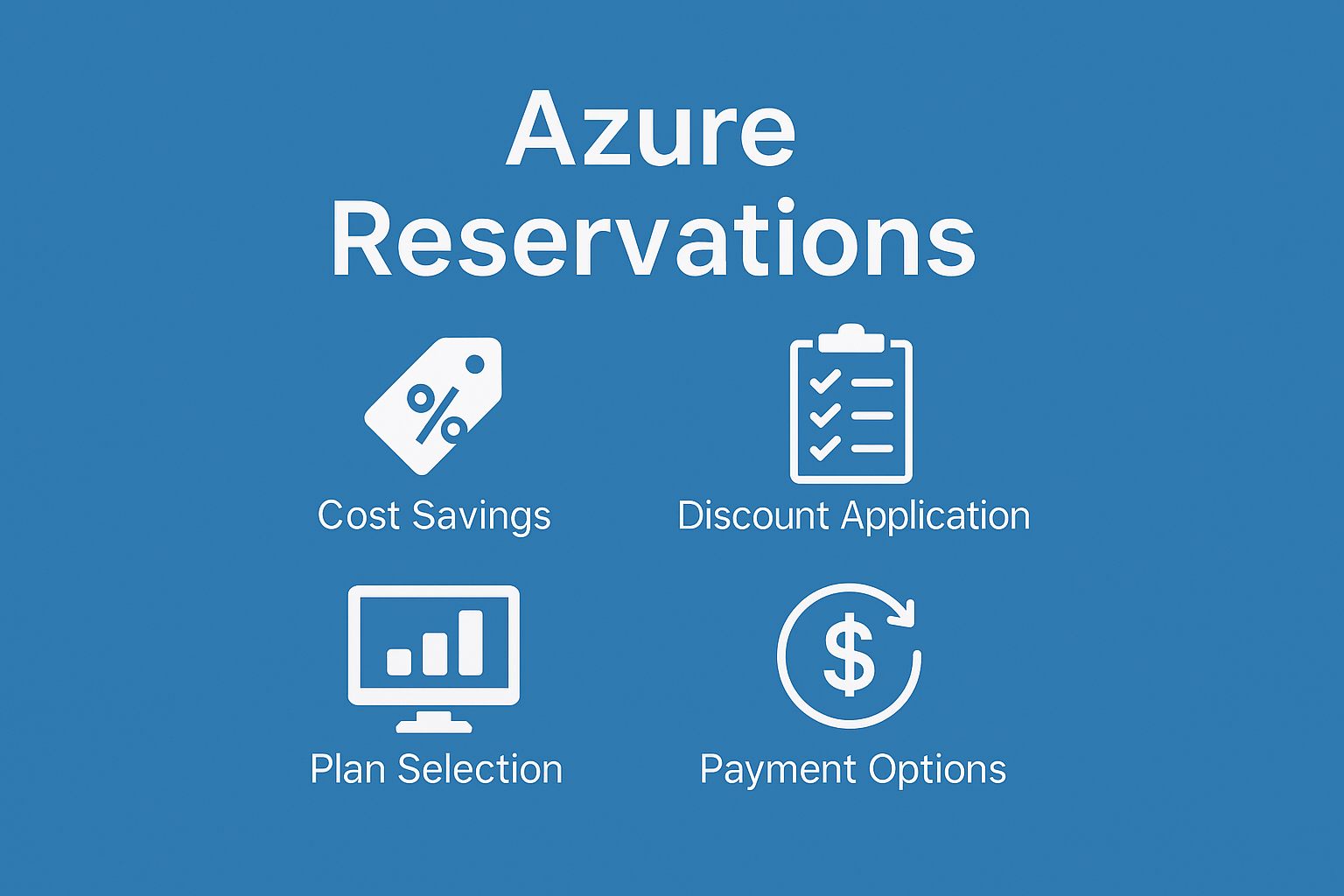
Azure Reservations offer substantial cost savings (up to 72%) when you commit to using specific Azure resources over one or three years. This commitment allows you to benefit from discounted pricing compared to regular pay-as-you-go rates.
If your workloads have predictable usage patterns, reservations can be a smart way to reduce expenses. Without a reservation, services are billed at regular rates. Once a reservation is in place, the discount is automatically applied, lowering your overall cloud spend.
Choosing the Right Reservation
Except for Azure Databricks, all reservations are calculated hourly. It’s important to align your reservation purchases with your baseline usage to maximize savings.
Overestimating your needs can lead to underutilized reservations, which don’t roll over to the next hour. Any usage beyond your reserved capacity will be billed at standard rates.
💡 Tip: Unused reservation capacity does not carry forward and are lost.
Services Eligible for Reservations
Azure Reservations apply to several commonly used services:
- Virtual Machine Instances: Covers compute costs only; excludes software, Windows licensing, networking, and storage.
- Blob Storage Reserved Capacity: Applies to storage for Blob and Azure Data Lake Gen2; bandwidth and transaction costs are not included.
- Azure SQL Database: Only compute costs are covered. For General Purpose tier, zone-redundancy compute costs can also be reserved.
- Azure SQL Managed Instance: Similar to SQL Database, only compute costs are included, with zone-redundancy add-on also eligible.
💡 Tip: For the most current list of supported services, refer to Azure services covered by reservations.
How Discounts Are Applied
Once a reservation is purchased, the discount is automatically applied to matching resource usage based on selected attributes like SKU, region, and scope.
The reservation scope determines where the discount is applied, whether to a single resource group, subscription, or shared across multiple subscriptions.
ℹ️ Recommendation: Use a broad scope (e.g., shared) to ensure the reservation benefits are fully utilized.
💡 Tip: You can change the scope anytime by navigating to the reservation settings and updating the configuration. This change doesn’t affect the reservation term or pricing.
How to Decide What to Reserve
Reservations (excluding Azure Databricks) are applied hourly. To choose the right reservation, analyze your usage patterns or use built-in tools that provide recommendations:
- Azure Advisor (for VMs)
- Reservation purchase experience in the Azure portal
- Cost Management Power BI app
- APIs
Monthly Payment Option
Azure offers the flexibility to pay for reservations monthly. Instead of paying the full amount upfront, the cost is evenly distributed across the term. The total cost remains the same, and there are no additional fees for choosing monthly payments.
Note: Monthly billing is not available for Databricks, Synapse Analytics (Prepurchase), SUSE Linux, Red Hat Plans, or Azure Red Hat OpenShift Licenses.
ℹ️ Recommendation: Opt for monthly payments unless there’s a specific reason to pay upfront.
Exchanges and Refunds
Reservations purchased with monthly billing can be exchanged or refunded. When exchanging, the new reservation must have a higher total cost than the remaining value of the original one. There are no fees for exchanges.
You can also switch from an upfront reservation to a monthly one, provided the new reservation’s value exceeds the prorated value of the original.
If you cancel a monthly reservation, the remaining payments count toward the $50,000 USD refund limit in a 12 month rolling window in your billing scope.
For more details, refer to Self-service exchanges and refunds for Azure Reservations.
[The article is written by me, assisted by AI]